
Haveli Darwaza
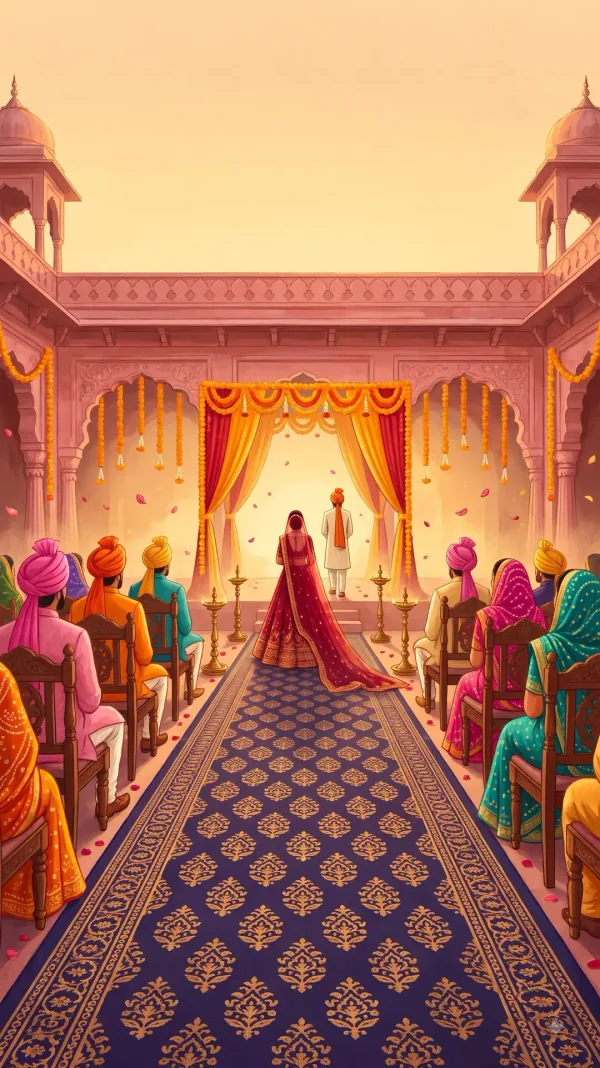
Rajasthani haveli illustration · ₹999
Haveli Darwaza takes guests past lamp-lit archways into grand wedding courtyards. Every ceremony card features turn-by-turn navigation buttons for effortless guest arrival.
Venue directions
Eliminate frantic phone calls on your wedding morning. A wedding invitation with Google Maps gives every local and outstation guest exact, one-tap turn-by-turn navigation directly to each banquet gate, farm, or hotel.
By the Gulabi Card team · Published 6 October 2026
Printed wedding cards often list vague landmarks like “Near Metro Pillar 42” or leave guests to search for the venue themselves. On the wedding day, the bride's father and brothers spend precious hours giving directions over the phone instead of enjoying the varmala.
Indian weddings often take place across multiple locations. With Gulabi Card, each ceremony gets its own verified Google Maps button:
Always share the exact venue link from Google Maps rather than typing a street address. Check that the pin leads to the guest entrance or parking area rather than a locked service gate.
Rajasthani haveli illustration · ₹999
Haveli Darwaza takes guests past lamp-lit archways into grand wedding courtyards. Every ceremony card features turn-by-turn navigation buttons for effortless guest arrival.